
Cash App Investing
Cash App Investing can be a simple, low-cost way to buy stocks and ETFs from your phone. This guide explains how Cash App investing works, how to track and record your positions, and how to integrate those holdings into a broader Finance Tracker for accurate net worth and tax reporting.
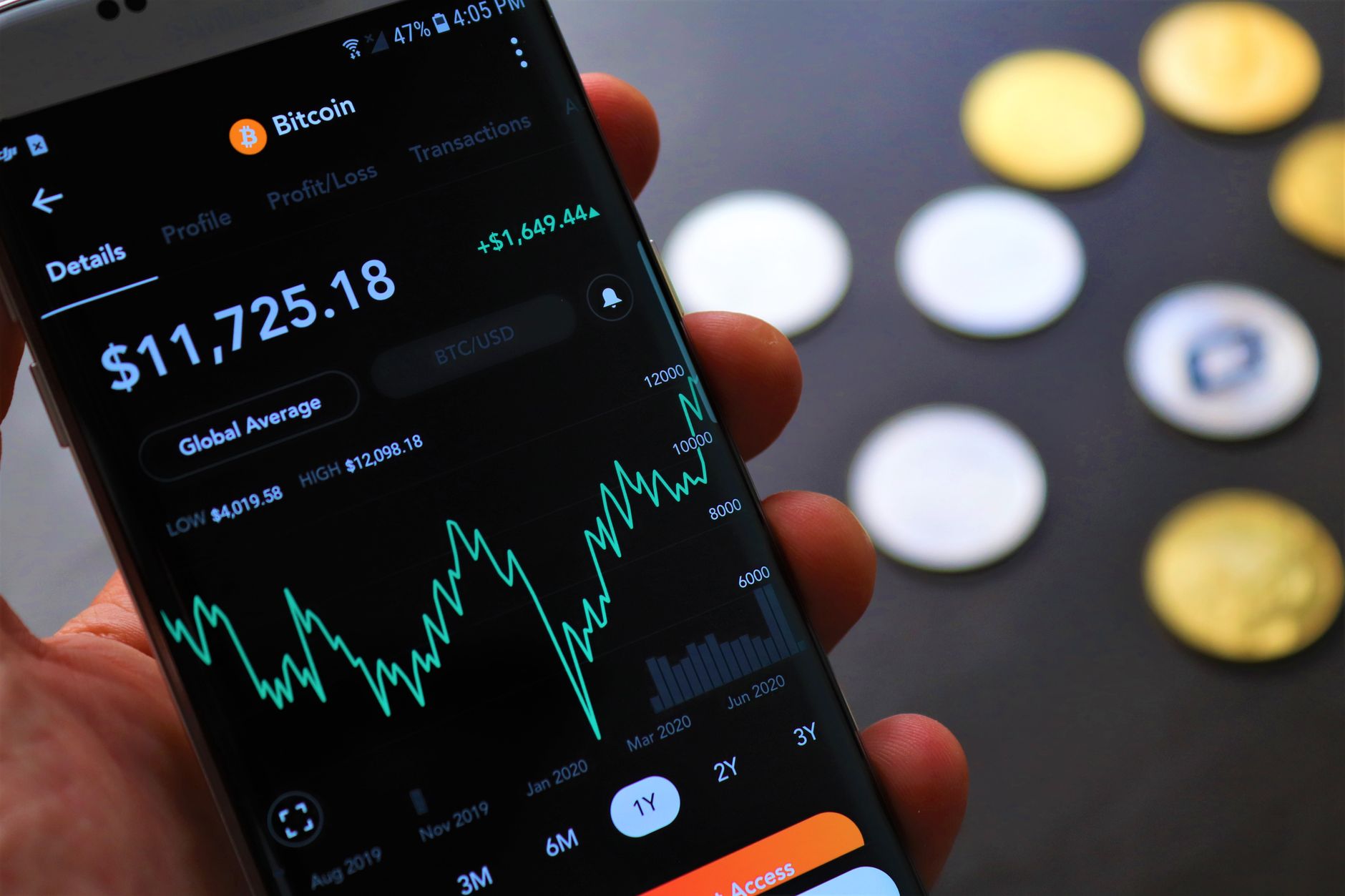
How Cash App investing works
Cash App (the peer-to-peer payment app from Block) offers a built-in investing feature that lets users buy fractional shares, full shares, and commission-free ETFs. You can fund trades directly from your Cash App balance or linked bank account, and many features—like fractional investing and instant deposits—make it beginner-friendly.
For official product details, visit Cash App’s site: cash.app.
Tracking Cash App investments (step-by-step)
Tracking your Cash App investing activity is essential for monitoring performance and preparing tax records. Here’s a simple workflow:
- Enable trade confirmations: Save email confirmations or screenshots for every buy, sell, dividend, or split.
- Download trade history: Cash App allows you to view and export history inside the app—grab monthly or yearly statements when available.
- Record purchases: Enter each trade into your finance tracker with date, ticker, shares (or fraction), price, and fees (if any).
- Update holdings: Adjust share counts for splits, dividends, and partial sales so your tracker matches Cash App’s current balance.
- Reconcile regularly: At least monthly, compare your tracker’s market values to Cash App balances to catch errors early.
Quick checklist for manual tracking
- Date of trade
- Ticker and company name
- Shares or fraction purchased
- Price per share and total cost
- Fees or commissions (usually $0 on Cash App)
- Dividend payments and tax documents (Form 1099 when applicable)
Integrating Cash App into your Finance Tracker
If you use a dedicated Finance Tracker, adding Cash App investing data keeps your net worth and investment allocation accurate. Options include:
- Manual entry: Best for simple portfolios—enter trades and update market values regularly.
- CSV import: If Cash App lets you export statements, import CSV rows into your tracker to reduce typing.
- Third-party aggregators: Some portfolio tools and personal finance apps can link accounts or let you paste balances; check compatibility before sharing login info.
Need a refresher on investing basics before you integrate? See our Investing Guide for beginner-friendly steps and asset allocation tips.
Pros, cons and common limits
Pros
- Low barrier to entry: fractional shares let you invest small amounts.
- Commission-free trades for many securities.
- Simple mobile interface—good for beginners.
Cons
- Limited research tools compared with full brokerages.
- Transferring positions out may be restrictive or require conversion.
- Customer service and record exports can be harder to navigate than traditional brokers.
Taxes and reporting
Cash App will provide tax forms (for example, a 1099-B or consolidated 1099) if you meet IRS reporting thresholds. Keep your trade confirmations and dividend records so you can calculate cost basis and capital gains. For official tax guidance, consult the IRS or a tax professional.
Security and best practices
- Use strong, unique passwords and enable two-factor authentication on your Cash App account.
- Limit account linking and sharing—use read-only aggregator connections when possible.
- Keep monthly reconciliations to spot suspicious activity early.
When Cash App investing makes sense
Cash App investing is a solid option if you want a simple, mobile-first way to own stocks or ETFs without heavy fees. It works well for small, regular investments and beginners testing the market. For advanced trading, retirement accounts, or complex tax needs, consider a full-service brokerage or robo-advisor—see our article on Investment Apps For Beginners for alternatives.
Conclusion: Tracking keeps Cash App investing useful
Cash App investing offers convenience, but that convenience is most valuable when paired with disciplined tracking. Add trades and balances to your Finance Tracker, reconcile regularly, and keep tax records. That approach helps you measure performance, manage risk, and see how Cash App fits into your overall net worth.
Related FluentMoney resources
- Investing Guide: How to Start Investing and Build Wealth
- Is Cash App Checking Or Savings
- Can You Borrow Money From Cash App
- Net Worth Tracker
Frequently asked questions
Is cash app investing safe?
Cash App uses industry-standard security measures, but no app is risk-free. Protect your account with a strong password, two-factor authentication, and by monitoring activity. For large or complex portfolios, consider established brokerages with full regulatory disclosures.
How do I export my Cash App trade history?
Open the Cash App, go to your Activity or Statements section, and download available monthly or yearly statements. If you can’t find an export option, save email confirmations or contact Cash App support for help.
Can I transfer stocks out of Cash App to another broker?
Transferring shares out may be limited. Some broker-to-broker transfers are possible but can require conversion or paperwork. Check Cash App’s support and the receiving broker’s transfer policies before initiating a move.
Do I get tax forms from Cash App for investing?
If you meet reporting thresholds, Cash App will issue consolidated tax forms (like 1099) reporting dividends and proceeds. Keep your trade confirmations to verify cost basis and consult a tax professional for questions.